Everyday
Graduation
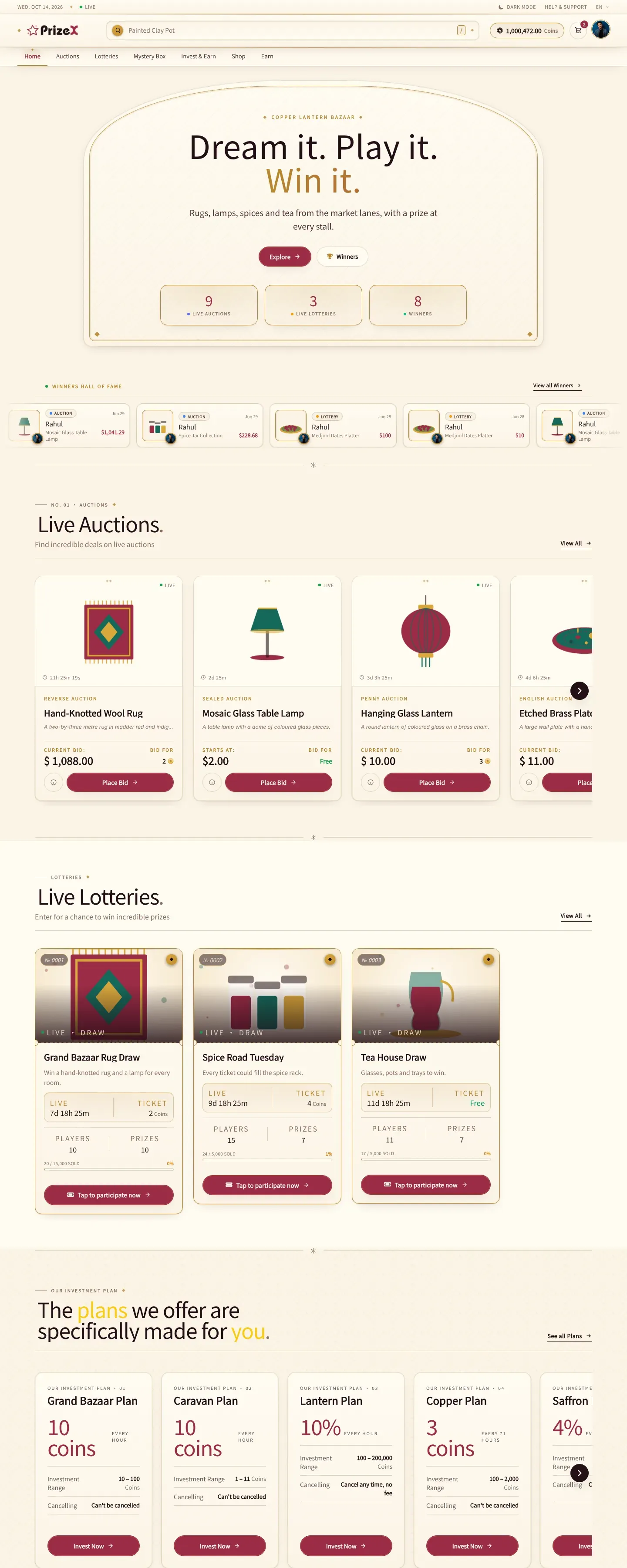
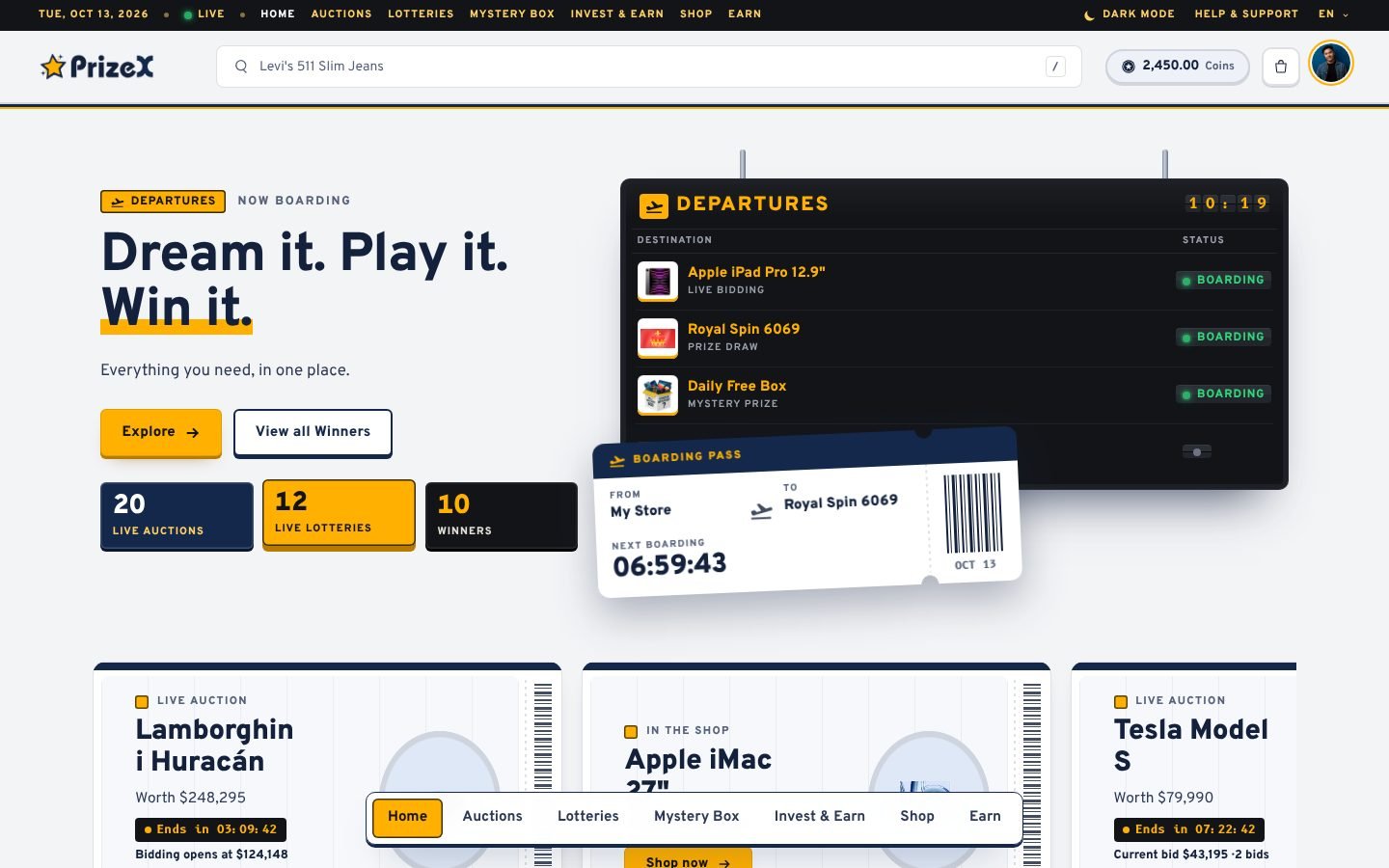
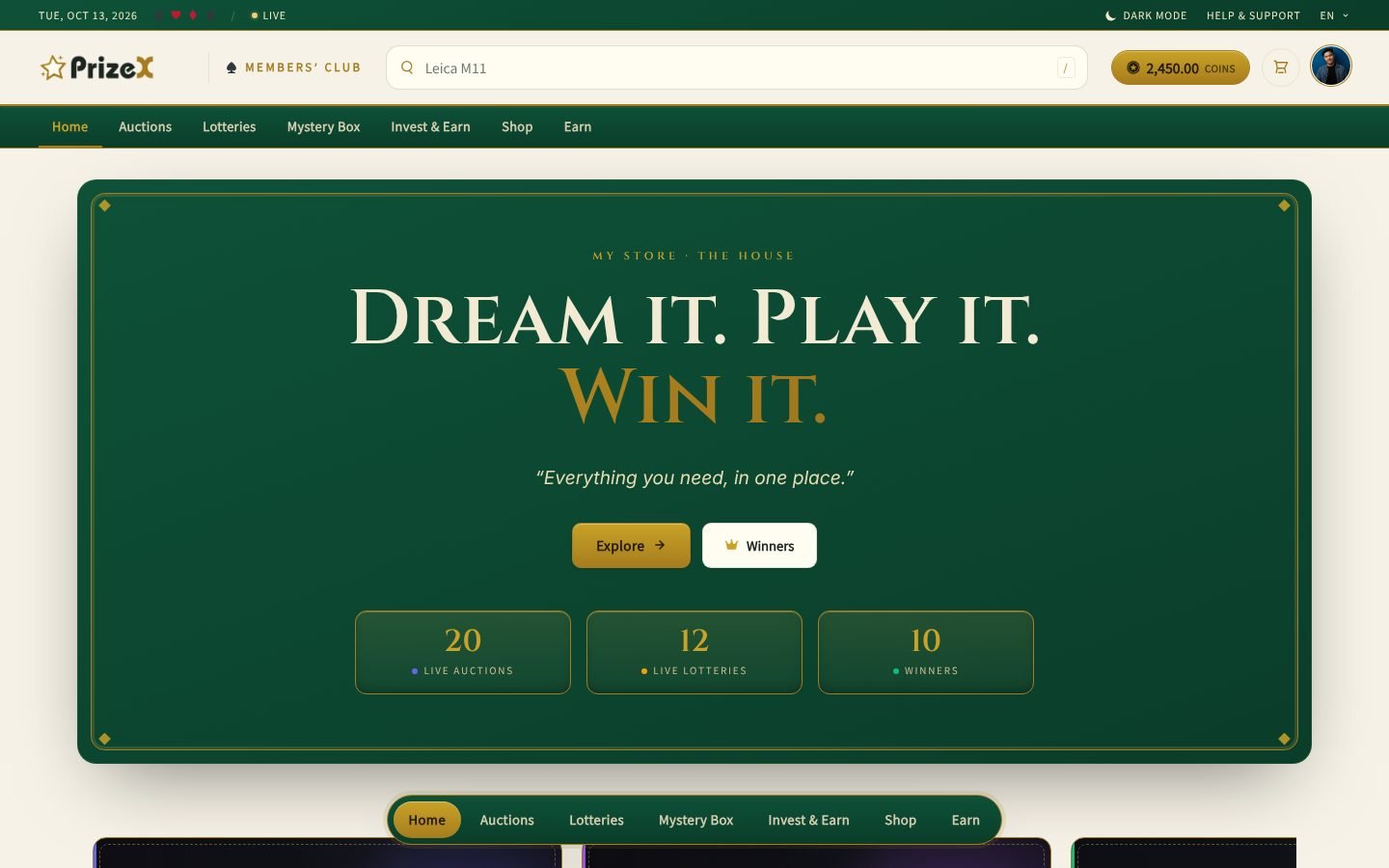
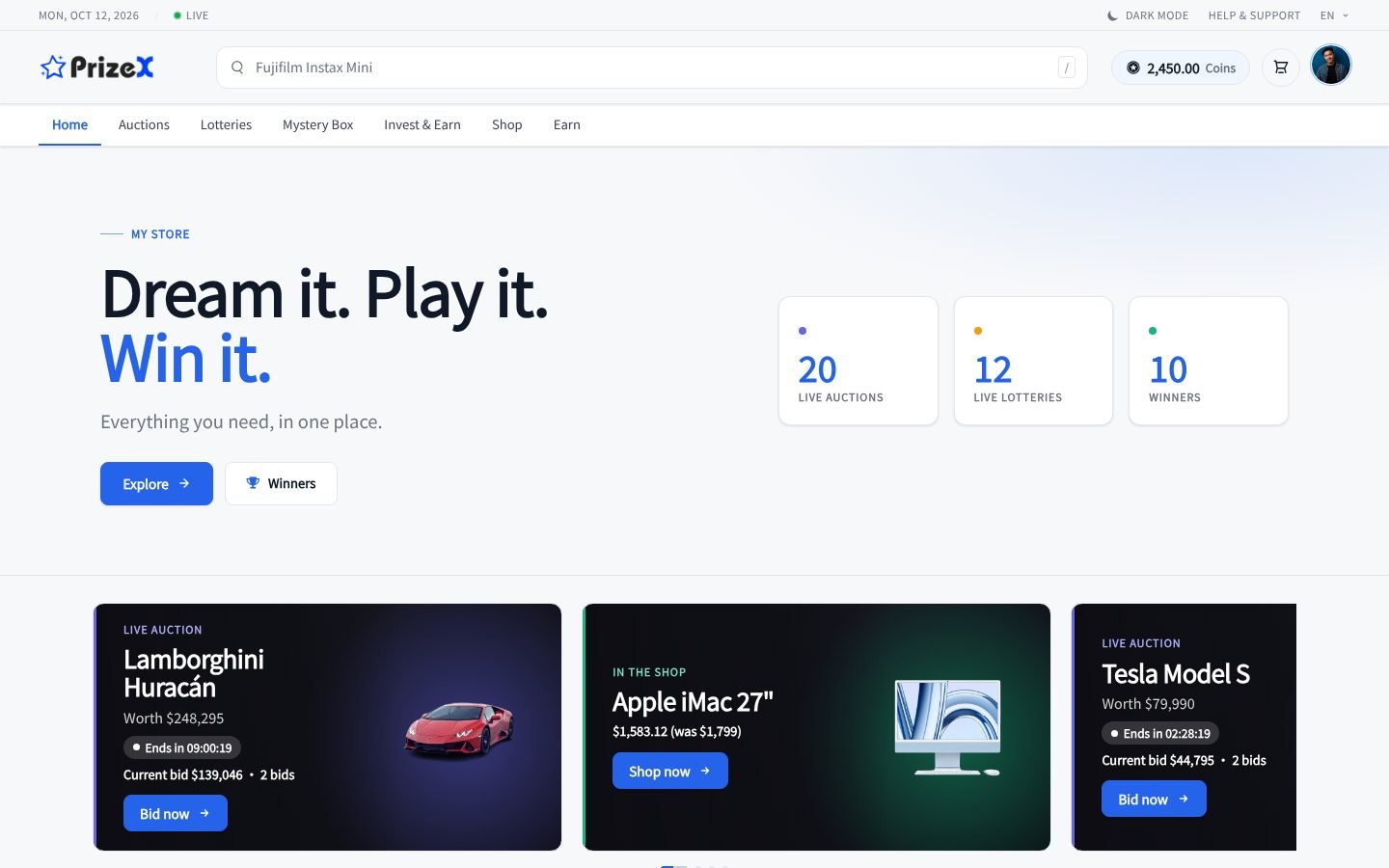
Commencement day: on the homepage, your top prize presented as a diploma on heavy cream certificate paper inside an engraved guilloché border, its picture in an oval cartouche and a gold-foil seal with claret ribbon tails pressed into its corner, two more prizes rolled up and tied with ribbon beneath it, and mortarboards tossed into the sky above, their tassels swinging. Set your graduation day and the homepage counts down to it for three weeks, then congratulates the Class of the year on the day and through the week after; with no day set it greets the class through the graduation season, May to June in the north or November to December in the south. An ivory morning ceremony in academic navy and gold by day; after dark the evening ceremony, navy under warm stage light. Winners on an honours list framed in a laurel wreath, each of your winnings a diploma of its own, the wallet in a navy leather diploma cover, a 404 sealed where the grade should be, and a diploma that unrolls across the screen for the dark/light switch. Full right-to-left support. Use it all year: outside the season it is simply a shop of diplomas under a sky of caps.
- 18 screens
- Light and dark mode
- Version 1.1.35
Works with
- Auction
- Lottery
- Mystery Box
- Shop
- Earn & Games
Add-on
Buy and install it from Add-ons in your admin panel, then switch to it in one click.


Every screen
-
Home page
-
Auctions Needs Auction
-
A live auction Needs Auction
-
Lotteries Needs Lottery
-
A lottery Needs Lottery
-
The lottery draw Needs Lottery
-
Mystery boxes Needs Mystery Box
-
Opening a mystery box Needs Mystery Box
-
Shop Needs Shop
-
A product page
-
Cart
-
Earn coins Needs Earn & Games
-
Games Needs Earn & Games
-
Wallet
-
Winners
-
Sign in
-
Profile
-
Page not found
See it in motion
-
Dark and light
Compare with another theme
Changelog
-
Version 1.1.35 18 Oct 2026
- On phones a homepage section's title gets the larger share of its row beside "View all".
- Cover banners: the shade runs under the whole text column.
- The login page's terms line shows once.
- The phone menu hides My Address on a digital-only store.
- Phone menu badges read clearly in light and dark mode. -
Version 1.1.30 17 Oct 2026
-
Version 1.1.29 17 Oct 2026
-
Version 1.1.26 17 Oct 2026
-
Version 1.1.32 17 Oct 2026
- The admin text names the settings page as the sidebar shows it, Extensions → Date, and Admin → Themes can open it before you switch to the theme.
-
Version 1.1.25 15 Oct 2026
-
Version 1.1.24 15 Oct 2026
-
Version 1.1.23 15 Oct 2026